A good home workout app is one that matches your needs. Look for customizable plans, clear exercise guidance, progress tracking, and reminders. These features tend to support consistency, which matters more than any single workout style.
Choosing a home workout app can feel confusing when every option claims to be the one you need. The good news? You don’t have to guess. The right fit depends on you, your current fitness level, what you want to achieve, how much time you have, and the kind of movement you enjoy. This guide breaks down what to look for, from low-impact routines to strength-based sessions, so you can pick with confidence.
The BetterMe Well-Being Coach app brings workouts, meal support, and habit tools together in one place. Explore the app to see how its features can fit your routine.
What Goals Can a Home Workout App Support?
A home workout app can support goals such as moving more often, building a consistent routine, working toward weight-related targets, and improving general fitness. It’s a tool that brings structure and guidance into your living room, no gym required.
Different apps lean toward different outcomes. Some research has suggested that app-based movement programs may help people increase physical activity and reduce time spent sitting.
Here are common goals a home workout app may support:
- Moving more consistently, such as 3-4 sessions per week
- Building a routine you can repeat without much planning
- Working toward weight-related targets, often when paired with balanced eating
- Improving general fitness markers, such as walking longer without feeling winded
- Reducing sedentary time, such as breaking up long hours at a desk
One thing to keep in mind: results vary. Some research has explored associations between app-based programs and better activity levels, but outcomes are dependent on your consistency, starting point, and lifestyle (1).
A realistic way to frame it is to think of a home workout app as a supportive coach in your pocket. It won’t do the work for you, but it can make showing up easier.
If your focus is weight management, some research has suggested that programs that combine movement and nutrition guidance tend to produce stronger results than movement alone (2). This is worth noting when comparing your options.
How Do You Choose the Right App Based on Your Fitness Level?
You choose the right app based on your fitness level by matching its difficulty, guidance, and progression to where you are right now.
Research on movement apps has pointed to a clear theme: customization and ease of use tend to matter most (3). The right app will meet you at your current ability, not someone else’s.
Here’s a simple way to match an app to your level:
| Fitness level | What to look for | Example features |
|---|---|---|
| Beginner (0-3 months active) | Simple setup, short sessions, clear guidance | 10-minute routines, beginners' paths, video demos, no equipment needed |
| Intermediate (3-12 months active) | Variety and gradual progression | Goal-based programs, richer tracking, optional equipment options |
| Advanced (12+ months active) | Customization and precise progression | Adjustable intensity, structured overload, detailed logging |
1. Start with an Honest Self-Check
Ask yourself how many days per week you currently move for 20 minutes or more. If the answer is zero to one, a beginner-friendly app tends to be a good fit.
2. Match the Difficulty to Your Comfort
Choose an app that lets you start at a level you can complete with good form. If a 30-minute session feels overwhelming, a 10-minute option may serve you better.
3. Check for Progression
Look for an app that adds reps, sets, or intensity over time. For example, moving from 8 reps to 12 reps, or from 1 set to 2 sets across a few weeks.
Progressive overload, gradually increasing the demand on your muscles, helps your body adapt (4). A good app builds this in for you, so you don’t have to plan it yourself.
Usability also counts. Some research has suggested that people abandon apps that feel cluttered, hard to navigate, or demand too much setup (5). Simplicity keeps you consistent.
Read more: How to Choose an App That Combines Workouts and Nutrition
Which Workout Formats Should You Look for?
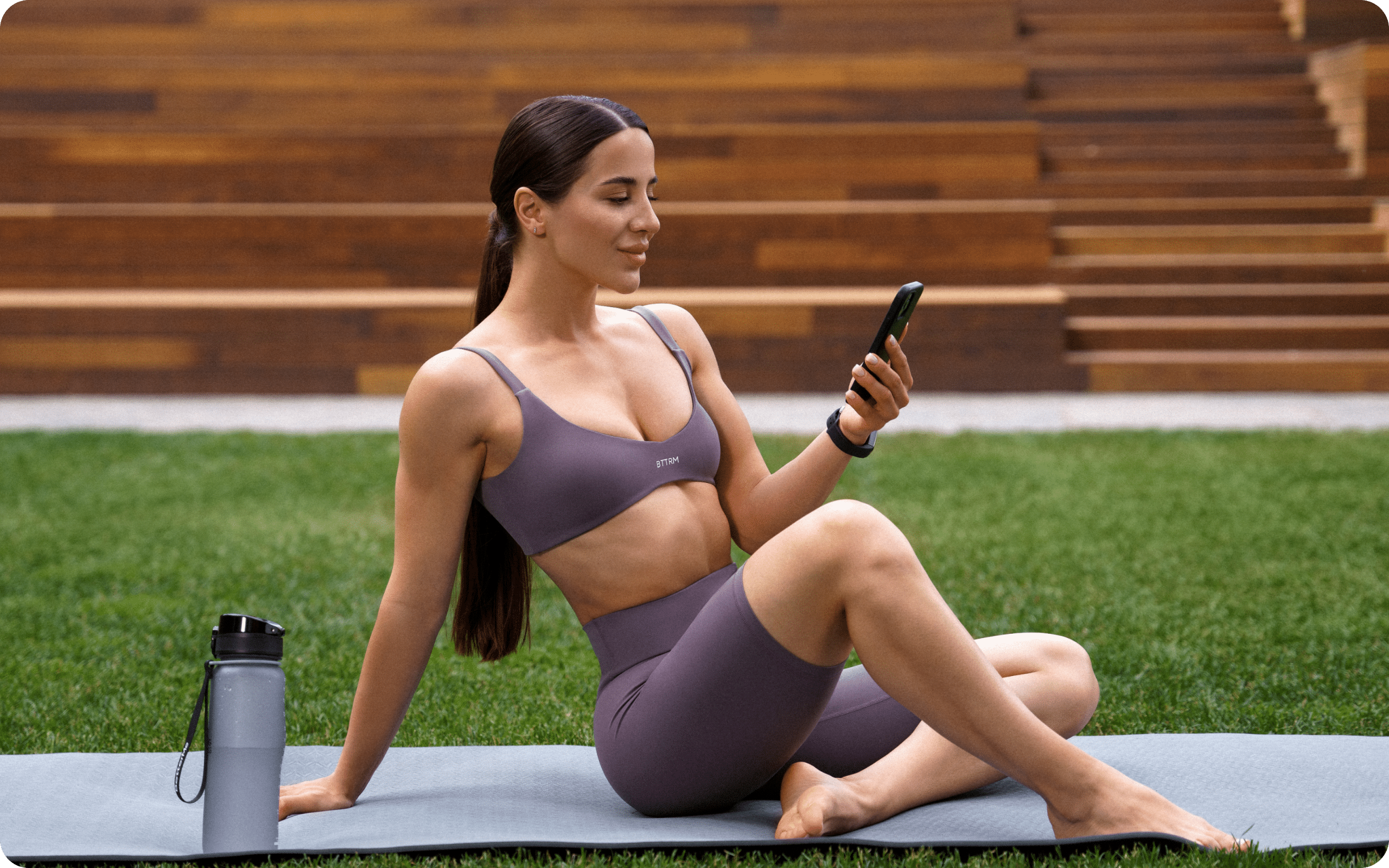
You should look for workout formats that suit your body, goals, and schedule, whether that’s short workouts, low-impact workouts, Pilates, wall Pilates, or calisthenics. Variety helps you stay engaged and find what you actually enjoy.
No single format is a winner for everyone. A suitable home workout app for you tends to offer several options so you can switch things up as your needs change.
Let’s define each format in plain language:
- Short workouts: Sessions of about 5-15 minutes, useful when time is tight (6).
- Low-impact workouts: Movements with little jumping or joint stress, which are often gentler on the body.
- Pilates: Controlled, core-focused movements that emphasize alignment and breathing (7).
- Wall Pilates: Pilates moves that use a wall for support and feedback.
- Calisthenics: Bodyweight training such as squats, push-ups, and lunges, no equipment needed.
Here’s how these formats compare:
| Format | Good fit for | Typical session | Equipment |
|---|---|---|---|
| Short workouts | Busy schedules, easing in | 5-15 minutes | Usually none |
| Low-impact workouts | Gentler sessions, joint-conscious movers | 15-30 minutes | Optional mat |
| Pilates | Core control, posture, mobility | 20-40 minutes | Mat |
| Wall Pilates | Added support and alignment cues | 15-30 minutes | Wall, mat |
| Calisthenics | Building strength without gear | 20-45 minutes | None |
A dedicated Pilates app can suit people who want structured, low-impact sessions focused on control and breathing. Many appeal to those who prefer calmer, guided movement over high-intensity training.
If you like extra support and alignment feedback, a wall Pilates app may be worth exploring. The wall gives you a steady reference point, which can feel reassuring for newer exercisers.
Do you prefer bodyweight strength? Calisthenics formats let you train with little to no gear. That makes them practical for small spaces and travel (8).
One gentle reminder: the “right” format is the one you’ll repeat. Enjoyment tends to drive consistency more than intensity does.
Why Do Customizable Plans and No-Equipment Options Matter?
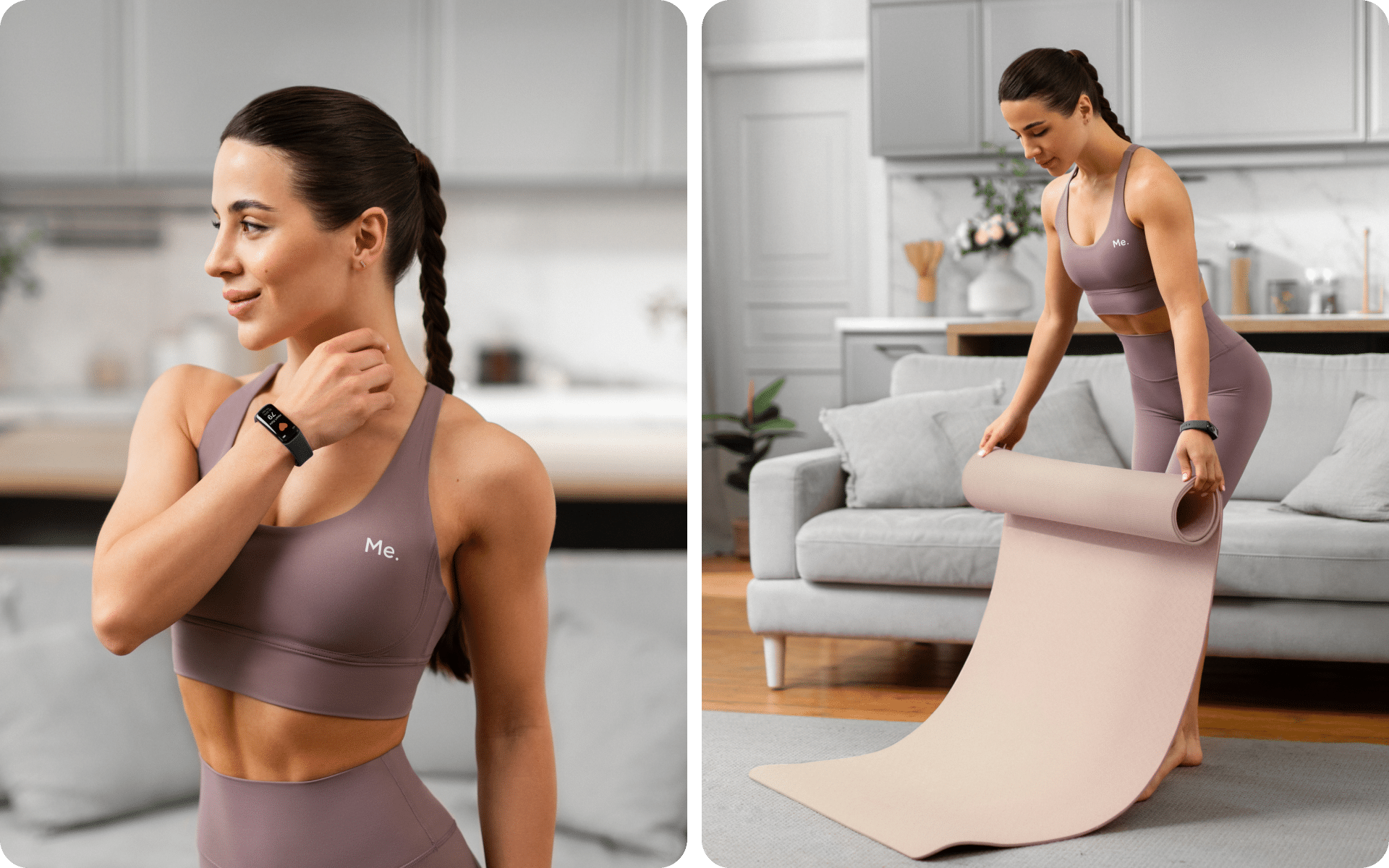
Customizable plans and no-equipment options matter as they remove common barriers to exercising at home, such as limited gear, time, or experience. When an app adapts to you, showing up becomes easier.
Some research has suggested that customization tends to improve engagement (9). People often value tailored goals, adjustable difficulty, and control over which features they use.
Customization can look like this:
- Choosing your goal, such as general fitness or movement consistency
- Setting your available days, such as 3 sessions per week
- Adjusting session length, from 10 minutes to 40 minutes
- Swapping exercises when a move feels uncomfortable
- Scaling intensity up or down as you progress
No-equipment training deserves attention, too. Many effective sessions use only your body weight, such as squats, wall sits, and modified push-ups.
Why does this matter? A lack of gear is a frequent reason people skip workouts. An app that offers equipment-light routines removes this excuse in a friendly way.
Here’s a relatable example: say you have a mat and 15 minutes. A well-designed app should build a session around exactly that, rather than assuming that you own dumbbells or a bench.
Flexibility also helps on low-energy days. If a full workout feels like too much, a customizable app lets you scale down to a 5-minute reset instead of skipping entirely.
The takeaway? An app that adapts to your equipment, time, and level tends to support a routine that you can actually stick to.
Read more: Workout Apps for Beginners: What to Look for
What Role Do Exercise Guidance, Progress Tracking, and Reminders Play?
Exercise guidance, progress tracking, and reminders play a central role in helping you perform movements correctly, see your progress, and remain consistent over time. Together, they turn a workout library into a supportive system.
Research on movement apps has repeatedly highlighted these features. The most commonly valued tools include clear instruction, self-monitoring, feedback, goal setting, and prompts (3).
Let’s break down what each one does:
| Feature | What it does | Why it helps |
|---|---|---|
| Exercise guidance | Shows how to perform each move | Reduces guesswork, supports better form |
| Progress tracking | Records completed sessions and gains | Keeps you motivated with visible progress |
| Reminders | Prompts you at set times | Helps build a repeatable routine |
1. Look for Clear Exercise Guidance
Choose an app with video demos or step-by-step cues. For example, a squat demo that shows foot placement, depth, and back position helps you move with more confidence.
2. Prioritize Progress Tracking
Pick an app that logs your sessions, so you can see patterns. Seeing that you completed 12 workouts this month can feel genuinely encouraging.
3. Use Reminders Thoughtfully
Set prompts that match your schedule, such as a nudge every Monday, Wednesday, and Friday at 7 am, just enough to cue you, not so many that they annoy you.
Here’s an important nuance: tracking alone isn’t the whole picture. Some research has suggested that people need guidance and meaningful feedback alongside tracking (10), not just numbers on a screen.
Think of these three features as a team. Guidance teaches you, tracking shows your progress, and reminders keep you showing up. When they work together, staying consistent feels more natural.
What Additional Features Support Nutrition and Habit Tracking?
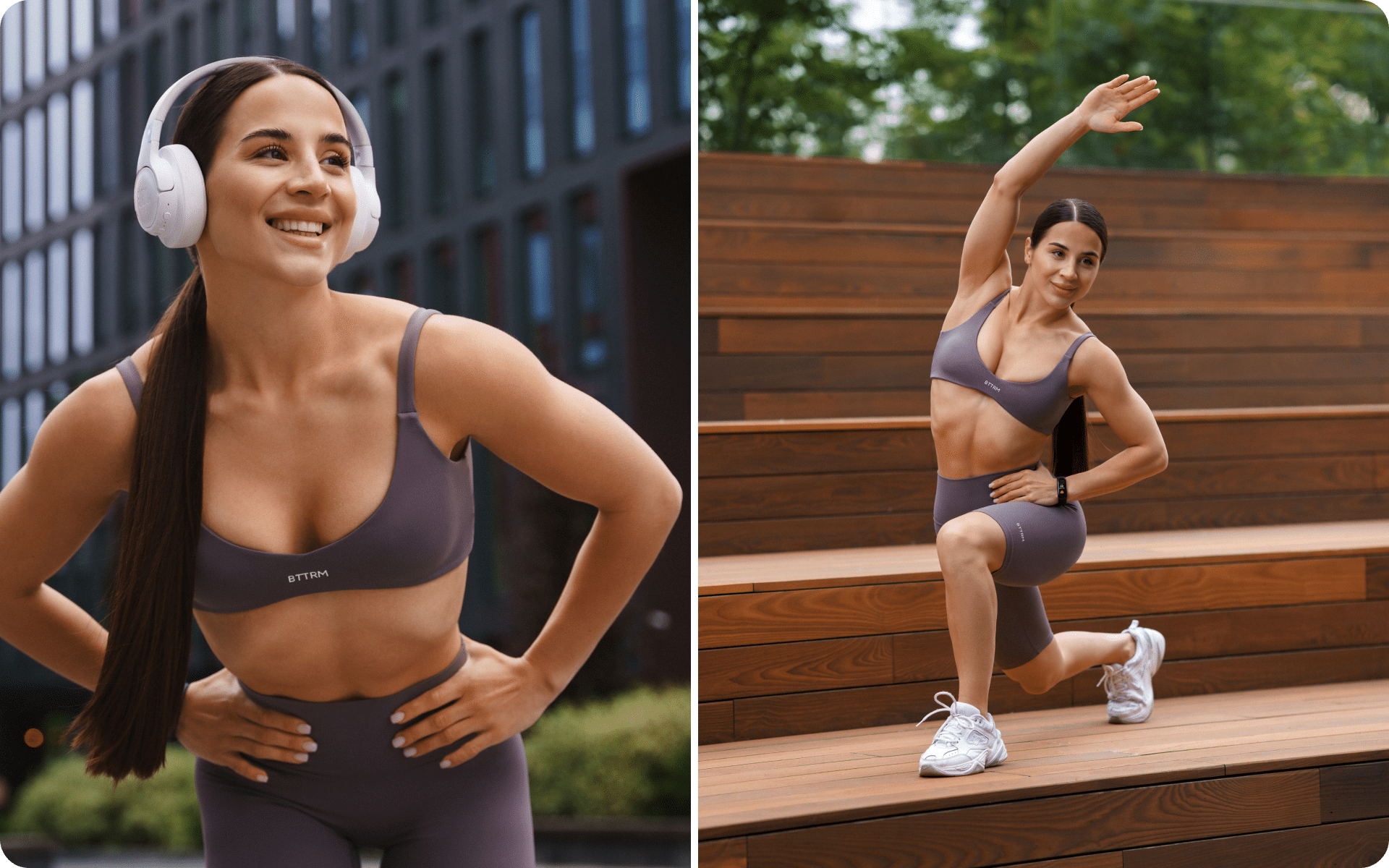
Additional features that support nutrition and habit tracking include meal logging, water intake trackers, habit streaks, and daily check-ins. These extras can round out a home workout app when your goals go beyond movement.
Some research has suggested that programs that combine movement and nutrition guidance tend to produce stronger results for weight-related goals than movement alone (2). This is why many people appreciate an all-in-one option.
Useful add-on features may include:
- Meal logging to build awareness of what you eat
- Water intake tracking, such as aiming for 8 glasses per day
- Habit streaks that mark consistency, such as a 7-day movement streak
- Daily check-ins to reflect on energy, mood, or sleep quality
- Simple recipes that suit a busy schedule
A quick word of caution here: more features aren’t automatically better. For some people, a packed app feels overwhelming rather than helpful.
The sweet spot? Features that support your routine without complicating it. If you want only workouts, a stripped-down app may serve you well.
If broader wellness appeals to you, an app that blends movement, nutrition, and habit tools can feel convenient. It keeps everything in one place, which tends to reduce friction.
Consider your real needs before choosing. Ask yourself whether nutrition tracking would genuinely help you, or whether it would just add clutter you’d ignore.
BetterMe Well-Being Coach app can help you build a more structured approach to your wellness routine with meal plans, workouts, and habit-tracking tools. Start using the app to explore options that may support your personal fitness and nutrition goals.
FAQs
Do I need equipment for a home workout app?
No, many effective home workout apps run on bodyweight-only sessions like squats, wall sits, and modified push-ups. Look for one that builds routines around what you already have, even just a mat and a few minutes, rather than assuming you own dumbbells or a bench.
How much time should I spend on a home workout app each day?
There’s no fixed minimum; sessions as short as 5–15 minutes can still support activity levels when they’re consistent. Beginners often do well starting with 10-minute routines and adding time or intensity as consistency builds.
Can a home workout app help with weight management?
It can support weight-related goals, especially when paired with nutrition tracking rather than movement alone. Research on mobile app–based interventions suggests that programs combining exercise and nutrition guidance tend to yield stronger results than exercise-only programs, though outcomes still depend on consistency and starting point (2).
Is a home workout app enough on its own, or do I still need a gym?
For many goals, a home workout app can be enough, particularly for building consistency, general fitness, and bodyweight strength. Think of it as a supportive coach in your pocket, not a replacement for every training need. It works well when the format matches your goals and available time.
How do I know which home workout app fits my fitness level?
Match the app’s difficulty, guidance, and progression to where you are right now; a true beginner needs shorter sessions and simpler cues than someone returning to training after years of activity. Research on movement apps points to customization and ease of use as the features that matter most for sticking with a program (3).
What’s the difference between Pilates and calisthenics in a workout app?
Pilates focuses on controlled, core-centered movement with an emphasis on alignment and breathing, while calisthenics uses bodyweight strength moves like squats, push-ups, and lunges. Wall Pilates is a variation that adds a wall for support and alignment feedback, useful for people who want extra stability cues.
The Bottom Line
The balanced view? Extra features are a bonus, not a requirement. The core job of a fitness app is to help you move consistently, and everything else builds on that foundation.
The right home workout app for you comes down to fit, your level, goals, time, and the formats you genuinely enjoy. Prioritize customizable plans, clear guidance, progress tracking, and reminders, as these tend to keep you consistent. Whether you lean toward low-impact sessions, Pilates, or bodyweight strength, the right app makes movement feel doable on your terms. Explore a few options, notice what keeps you coming back, and let your routine grow with you.
For another low-impact option, explore chair yoga workouts for home and Wall Pilates for beginners.
Read more: What the BetterMe app includes.
Are you ready to take the next step? Get your life moving in the right direction with BetterMe!
DISCLAIMER:
This article is intended for general informational purposes only and does not serve to address individual circumstances. It is not a substitute for professional advice or help and should not be relied on for making any kind of decision-making. Any action taken as a direct or indirect result of the information in this article is entirely at your own risk and is your sole responsibility.
BetterMe, its content staff, and its medical advisors accept no responsibility for inaccuracies, errors, misstatements, inconsistencies, or omissions and specifically disclaim any liability, loss or risk, personal, professional or otherwise, which may be incurred as a consequence, directly or indirectly, of the use and/or application of any content.
You should always seek the advice of your physician or other qualified health provider with any questions you may have regarding a medical condition or your specific situation. Never disregard professional medical advice or delay seeking it because of BetterMe content. If you suspect or think you may have a medical emergency, call your doctor.
SOURCES:
- A Mobile Health App Informed by the Multi-Process Action Control Framework to Promote Physical Activity Among Inactive Adults: Iterative Usability Study (2025, pmc.ncbi.nlm.nih.gov)
- Behavior Change Resources Used in Mobile App–Based Interventions Addressing Weight, Behavioral, and Metabolic Outcomes in Adults With Overweight and Obesity: Systematic Review and Meta-Analysis of Randomized Controlled Trials (2025, pmc.ncbi.nlm.nih.gov)
- Smartphone-Based Interventions for Physical Activity Promotion: Scoping Review of the Evidence Over the Last 10 Years (2021, sciencedirect.com)
- Exercise progressions and regressions in sports training and rehabilitation (2024, sciencedirect.com)
- When and Why Adults Abandon Lifestyle Behavior and Mental Health Mobile Apps: Scoping Review (2024, pmc.ncbi.nlm.nih.gov)
- Health-Related Benefits and Adherence for Multiple Short Bouts of Aerobic Physical Activity Among Adults (2024, pmc.ncbi.nlm.nih.gov)
- Six Basic Principles and Steps for Teaching Pilates Exercises in Physical Education (2026, tandfonline.com)
- No Time to Lift? Designing Time-Efficient Training Programs for Strength and Hypertrophy: A Narrative Review (2021, link.springer.com)
- Unpacking mHealth interventions: A systematic review of behavior change techniques used in randomized controlled trials assessing mHealth effectiveness (2020, journals.sagepub.com)
- Digital health solutions for chronic disease physical activity management: wearable devices, artificial intelligence, and public health implementation (2026, frontiersin.org)