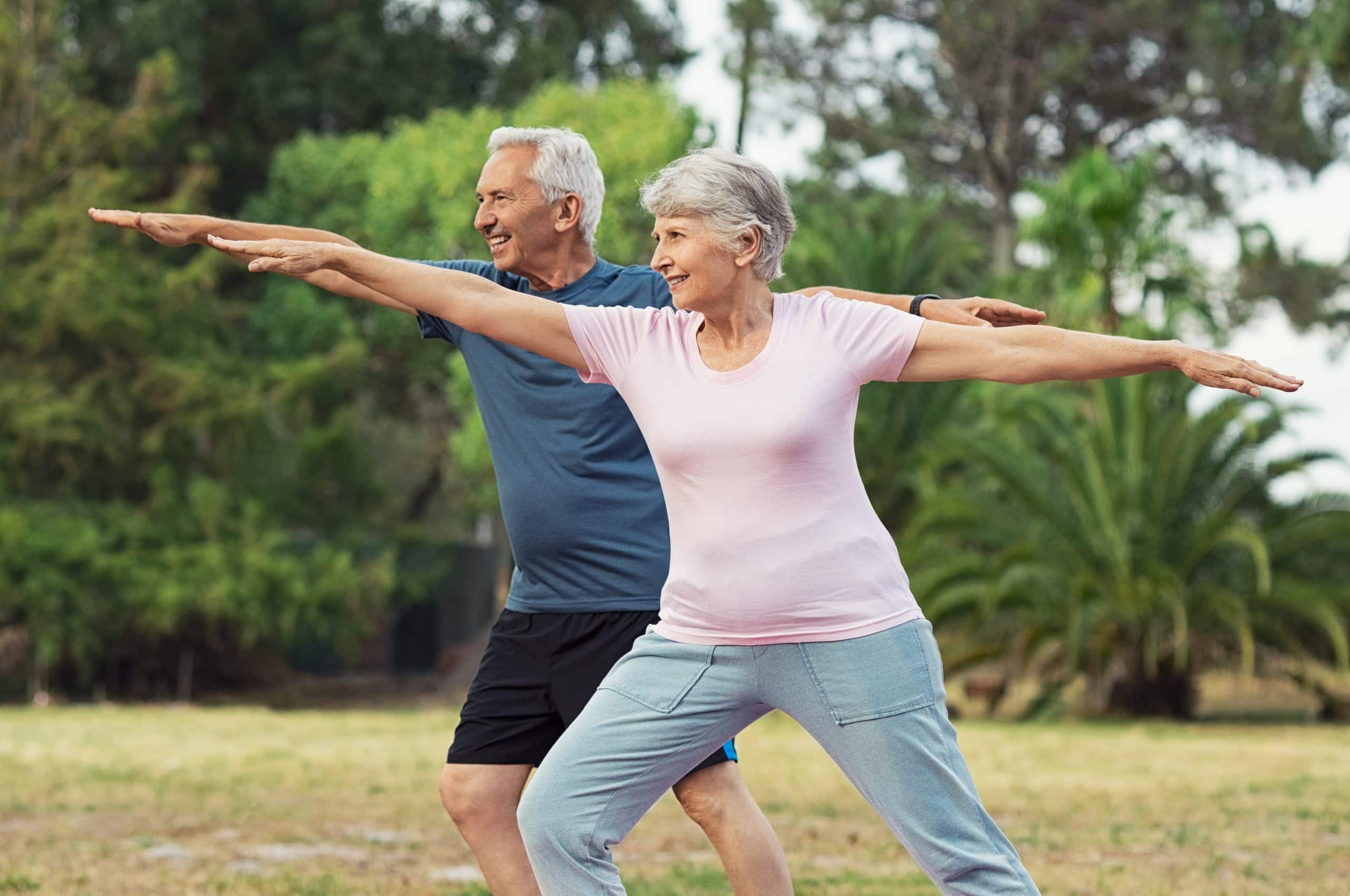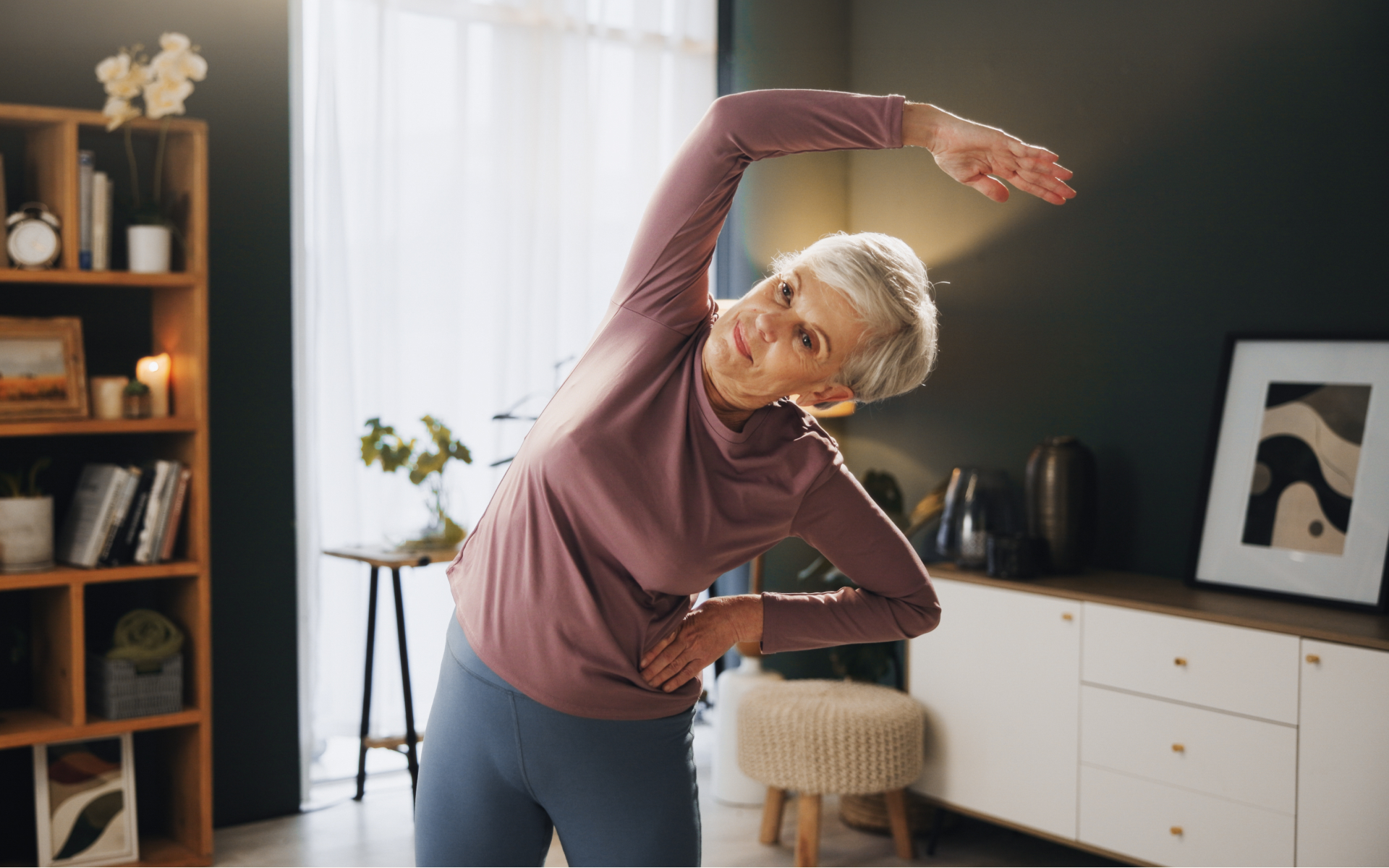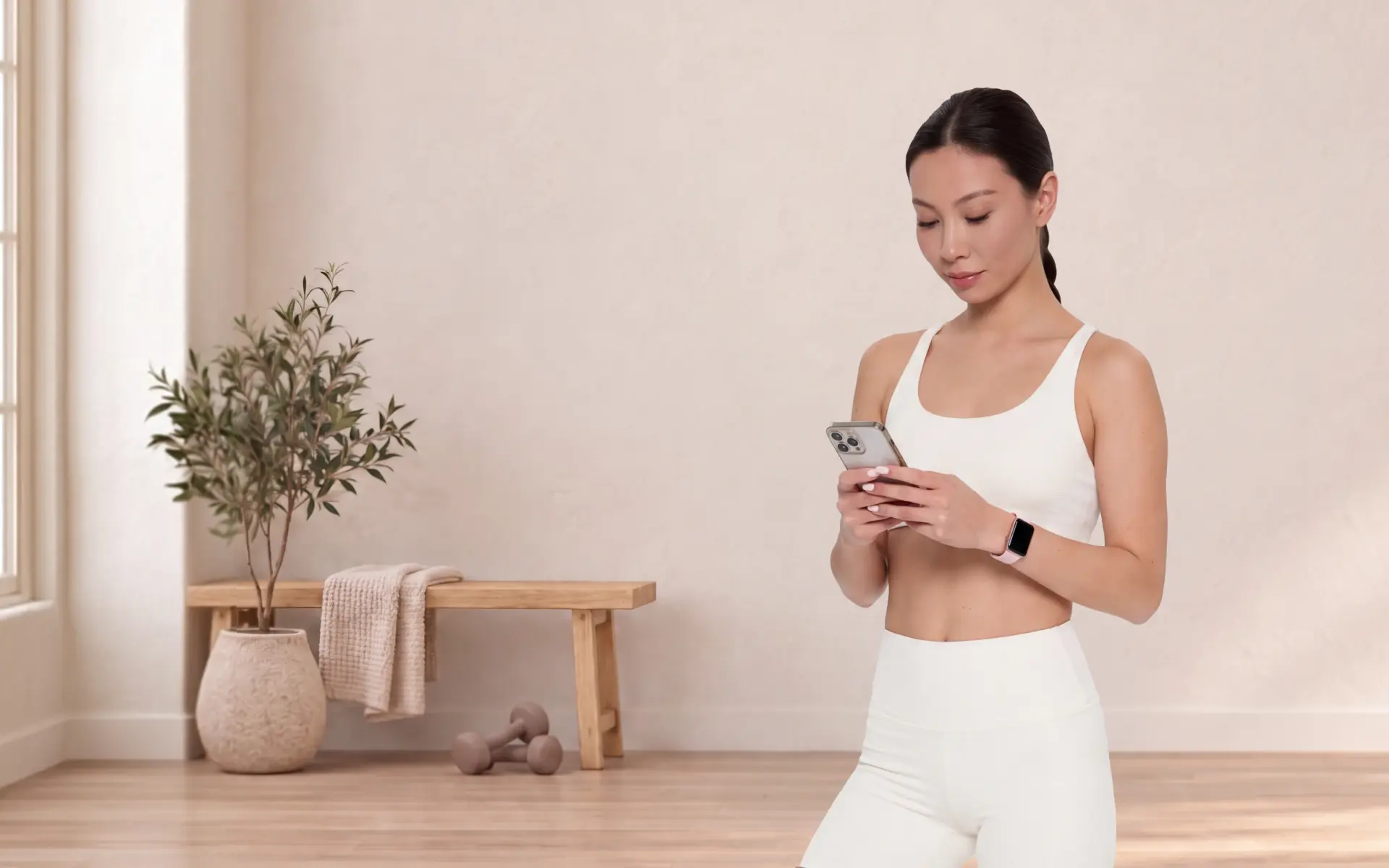
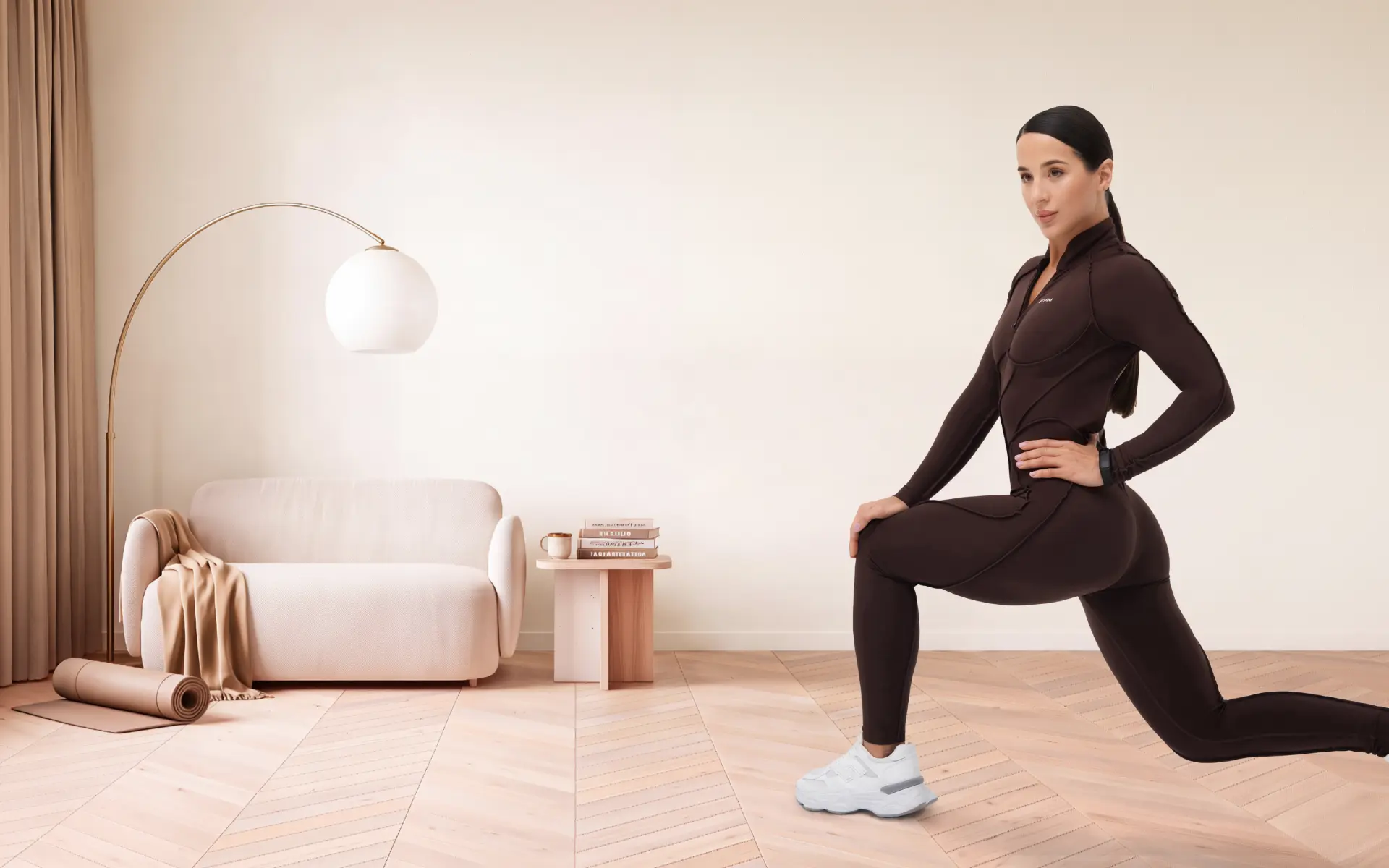
Workout apps for beginners are ones that meet you where you are and help you improve over time. A good beginners’ workout app offers a clear onboarding process, lets you choose your own fitness level, and builds workouts around your schedule rather than demanding you rearrange your life around it.
Starting a new fitness routine can feel overwhelming. There are hundreds of apps that promise results, but most of them weren’t built with beginners in mind. They assume that you already know the difference between a deadlift and a Romanian deadlift, or that you have an hour to spare every morning. Most people don’t, and that’s completely fine.
This guide breaks down exactly what to look for in a fitness app. You’ll learn which features actually support long-term consistency, what to skip, and how to find an app that fits your real life.
The BetterMe Well-Being Coach app brings workout guidance, meal support, and habit tools together in one place. Explore the app to see how its features can fit your routine.
Why Does Choosing the Right Beginners’ Workout App Matter?
Choosing the right beginners’ workout app matters because the wrong one can make starting feel harder than it needs to be. Many fitness apps are built around advanced users. When beginners download them, they’re often met with jargon-heavy instructions, intense workouts, and very little guidance on where to start.
Research has suggested that roughly 31% of adults worldwide were insufficiently physically active in 2022 (1). This means that they didn’t achieve recommended activity levels, such as at least 150 minutes of moderate-intensity physical activity per week (2). This gap may come down to not knowing how to start, rather than a lack of motivation.
A well-designed beginners’ workout app removes that friction. It gives you a clear entry point, explains movements in plain language, and builds your confidence gradually. That combination tends to support consistency far better than jumping straight into a demanding program.
What Makes a Fitness App Beginner-Friendly?
A fitness app is beginner-friendly when it reduces confusion, adapts to your starting point, and makes showing up feel achievable. Below are the key features to look for.
1. How Does the Onboarding Process Work?
A good onboarding process asks about your current fitness level, goals, and any physical considerations before recommending workouts. It should take 3-5 minutes and feel like a conversation, not a pop quiz.
Look for apps that ask:
- How active you currently are (for example, sedentary, lightly active, or moderately active)
- What your main goal is (such as building strength, improving endurance, or simply moving more)
- How many days per week you can realistically commit
- How long each session can be (for example, 15 minutes, 30 minutes, or 45 minutes)
Apps that skip this step often deliver generic plans that don’t fit your life. Onboarding is where customization begins, and for beginners, customization matters more than variety.
2. Can You Choose Your Own Fitness Level?
Yes, and you should be able to update it as you progress. The ability to select your own level puts you in control from the start.
Beginner-friendly apps typically offer at least three levels:
- Beginner: Little or no previous exercise experience
- Intermediate: Some consistency in the past, returning after a break
- Advanced: Regular training with a solid foundation
Some apps go further and allow you to select a difficulty level per workout, not just per plan. That flexibility can be helpful when some movements feel easier than others. If an app locks you into one level without any room to adjust, it may not serve you well as your fitness improves.
3. What Should a Customizable Workout Plan Include?
A customizable workout plan for beginners should match your schedule, your preferred workout type, and your current capacity, and it should change as you do.
At a minimum, look for:
- Session length options: 15-20 minutes is a reasonable starting point for most beginners
- Equipment flexibility: The option to work out with no equipment, with resistance bands, or with dumbbells
- Workout type variety: A mix of strength, cardio, flexibility, and low-impact options
- Adjustable frequency: The ability to set 2, 3, or 4 days per week without penalty
The table below shows what a well-structured beginner’s week might look like inside a customizable app:
| Day | Workout type | Duration | Equipment |
|---|---|---|---|
| Monday | Full-body strength | 20 mins | No equipment |
| Wednesday | Low-impact cardio | 15 mins | No equipment |
| Friday | Flexibility and mobility | 15 mins | Mat only |
| Sunday | Optional active recovery | 10 mins | No equipment |
This kind of structure is manageable for most beginners, and a good app should be able to build something similar around your availability.
Read more: How to Choose an App That Combines Workouts and Nutrition
4. What Are Low-Impact Workouts and Why Do They Matter for Beginners?
Low-impact workouts are exercises that keep at least one foot on the ground at all times, which reduces the stress placed on your joints during movement. Examples include walking, bodyweight squats, modified push-ups, and swimming. (3)
For beginners, low-impact workouts offer a few advantages:
- They allow your body time to adapt to regular movement
- They’re generally more comfortable for people who’ve been sedentary for a while
Low-impact doesn’t mean low effort. A 20-minute low-impact session that keeps your heart rate in the moderate range, where you can talk but not sing, can be just as effective for building a fitness habit as a high-intensity session, particularly early on.
A quality beginners’ workout app should include a solid library of low-impact workout options, not just offer them as a last resort.
5. How Should Exercises Be Explained in a Beginners’ App?
Exercises in a beginners’ app should be explained with clear written instructions, video demonstrations, and form cues before you start moving, not after.
Look for apps that include:
- Short instructional videos: 15-30 seconds showing the full movement from multiple angles.
- Step-by-step written breakdowns: For example, “Stand with feet hip-width apart. Bend your knees until your thighs are parallel to the floor. Press through your heels to stand.”
- Common mistake callouts: A note on what to avoid, such as “keep your knees tracking over your toes.”
- Modification options: An easier version of the movement for those who need it.
The table below compares how a well-designed app and a poorly designed app might present the same exercise:
| Feature | Well-designed app | Poorly-designed app |
|---|---|---|
| Video demonstration | Yes, multiple angles | None or static image |
| Written instructions | Step-by-step | Brief label only |
| Form tips | Included | Not included |
| Modification option | Offered | Not available |
| Duration of explanation | 30-60 seconds | Under 10 seconds |
When exercise instructions are clear, beginners feel more confident completing movements correctly. This confidence tends to translate into consistency.
Workouts, weight management tools, and recipe ideas come together in the BetterMe Well-Being Coach app, giving you practical support for building a more consistent wellness routine.
6. How Does Gradual Load Progression Work in a Fitness App?
Gradual load progression, also called progressive overload, means the app increases the challenge of your workouts slowly over time so your body continues to adapt without being overwhelmed. (4)
For beginners, this may mean:
- Adding one extra rep per week,
- Moving from two sets to three sets, or
- Introducing a light resistance band after a few weeks of bodyweight work.
A beginner-friendly app should handle progression automatically, adjusting your plan based on completed workouts or self-reported effort. Some apps ask you to rate how a session felt on a scale of 1-10 (this is called rate of perceived exertion, or RPE) and use this feedback to adjust the next session.
What gradual progression might look like over four weeks:
- Week 1: 2 sets × 10 reps, bodyweight only
- Week 2: 2 sets × 12 reps, bodyweight only
- Week 3: 3 sets × 10 reps, bodyweight only
- Week 4: 3 sets × 12 reps, or introduction of light resistance
Small increases such as these add up over time. The key is that the app should drive this process; you shouldn’t have to figure it out yourself.
7. What Progress Tracking and Habit Tracking Features Should You Look For?
Progress tracking and habit tracking features help you see how far you’ve come and remain consistent week to week. For beginners, visible progress can support motivation to keep going (5),(6).
Look for apps that offer:
- Workout history: A log of every completed session
- Streak tracking: A simple count of consecutive active days
- Milestone markers: Notifications when you hit a goal, such as completing your first week or your tenth workout
- Body measurement tracking: Optional fields to log weight, measurements, or how your energy levels feel
- Weekly summaries: A snapshot of total minutes moved, sessions completed, and any personal records
Habit tracking works differently from progress tracking. Habit tracking focuses on consistency, whether you showed up today, rather than performance. Some apps combine both, which tends to work well for beginners who may not see dramatic physical changes right away, but can still celebrate showing up regularly.
Read more: Home Workout App: What Features Should You Look for?
FAQs
What are good fitness apps for beginners?
Good fitness apps for beginners offer customized onboarding, adjustable workout levels, clear instructions, and gradual progression. BetterMe fits this pattern, with plans across fitness levels, low-impact workouts, and habit tracking to support consistency.
How long should beginners’ workouts be?
Beginners’ workouts can run 10–30 minutes and still be effective, especially when done consistently. A common starting point is 15–20 minutes, 3 days a week, though results vary by fitness level and goals.
Are low-impact workouts effective for beginners?
Yes. They place less stress on the joints, allow the body to adapt to regular movement, and can still raise the heart rate to a moderate intensity, a practical starting point for most beginners.
Do I need equipment to start using a beginner’s workout app?
No, most beginner-focused apps offer equipment-free, bodyweight-only options. A mat helps with floor exercises, and light bands or dumbbells are optional additions as you progress, not requirements.
How do I know if a fitness app is actually designed for beginners?
Look for a few signals:
- Asks about your fitness level before assigning workouts
- Offers modifications for each exercise
- Includes shorter sessions (15–20 minutes)
- Uses video demos and written cues
- Increases difficulty gradually over time
Skip apps that jump straight to 45–60 minute sessions with no shorter option or unexplained jargon.
Can a fitness app replace a personal trainer for beginners?
Not exactly, a good app gives structure, guidance, and flexible accountability, while a trainer can watch your form and adjust in real time. For many beginners, an app is enough to start and build confidence; anyone with specific physical considerations should still check with a qualified professional first.
The Bottom Line
Good workout apps for beginners have a few things in common: they meet you where you are, explain movements clearly, and build challenges gradually so you’re not overwhelmed on day one. Finding a beginners’ workout app that fits your schedule and adapts to your level can make the difference between sticking with a routine and abandoning it after a week. Give yourself to start small; the consistency you build in the first few weeks tends to matter far more than the intensity.
For low-impact options at home, explore chair yoga workouts for home and Wall Pilates for beginners.
Read more: What the BetterMe app includes
Are you ready to take the next step? Get your life moving in the right direction with BetterMe!
DISCLAIMER:
This article is intended for general informational purposes only and does not serve to address individual circumstances. It is not a substitute for professional advice or help and should not be relied on for making any kind of decision-making. Any action taken as a direct or indirect result of the information in this article is entirely at your own risk and is your sole responsibility.
BetterMe, its content staff, and its medical advisors accept no responsibility for inaccuracies, errors, misstatements, inconsistencies, or omissions and specifically disclaim any liability, loss or risk, personal, professional or otherwise, which may be incurred as a consequence, directly or indirectly, of the use and/or application of any content.
You should always seek the advice of your physician or other qualified health provider with any questions you may have regarding a medical condition or your specific situation. Never disregard professional medical advice or delay seeking it because of BetterMe content. If you suspect or think you may have a medical emergency, call your doctor.
SOURCES:
- National, regional, and global trends in insufficient physical activity among adults from 2000 to 2022: a pooled analysis of 507 population-based surveys with 5·7 million participants (2024, thelancet.com)
- Physical activity fact sheet. (2024, who.int)
- Benefits of Low-Impact Exercise (2025, nfpt.com)
- American College of Sports Medicine position stand. Progression models in resistance training for healthy adults (2002, pubmed.ncbi.nlm.nih.gov)
- The Use of Self-Monitoring and Technology to Increase Physical Activity: A Review of the Literature (2020, pubmed.ncbi.nlm.nih.gov)
- Mobile Apps for Health Behavior Change in Physical Activity, Diet, Drug and Alcohol Use, and Mental Health: Systematic Review (2020, pmc.ncbi.nlm.nih.gov)
 Reviewed by